Welcome to Electric Neon Essentials
Get the most out of Session Guitarist – Electric Neon Essentials with the online documentation. Learn basic workflows as well as advanced tips and tricks.
Thank you for purchasing Session Guitarist – Electric Neon Essentials, a guitar sample library powered by Kontakt. This document will provide you with instructions and advice on how to use the library.
We hope that you will be truly inspired by using Electric Neon Essentials.
About Session Guitarist – Electric Neon Essentials
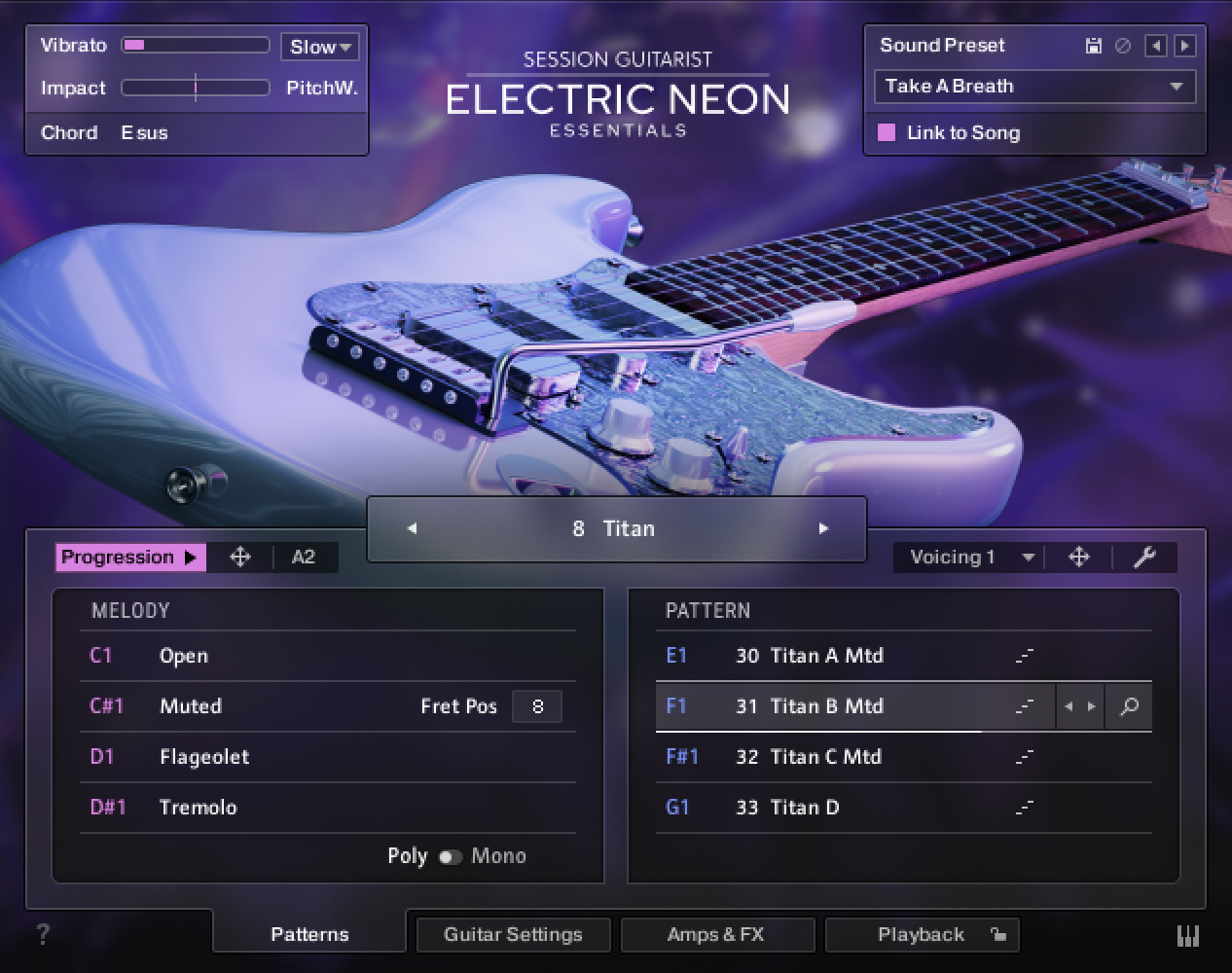
Electric Neon Essentials combines a pattern-based guitar library with a sophisticated multi-sample set, designed to deliver authentic riffs, picking, and strumming patterns tailored for modern pop, EDM, and electronic-influenced productions. Its samples are sourced from a custom Stratocaster-style guitar assembled from premium components: a Kramer body, Tom Anderson neck, Floyd Rose tremolo system, and Schecter tuning pegs. The instrument is equipped with a set of active EMG pickups, providing exceptional clarity, punch, and tonal definition.
In addition to the direct pickup signal, a ribbon microphone was mounted above the strings to capture the acoustic resonance of the instrument. This mic signal can be blended with the DI signal to add presence, brightness, and a natural sounding high-end shimmer.
The pickup signals were recorded through the DI inputs of vintage Universal Audio 2-610 preamps, connected via Gibson Pure cables to ensure maximum sonic integrity. The microphone setup used a Royer Labs R-121 ribbon microphone feeding a Neve 1073 DPD preamp. All signals were converted using an Antelope Orion Gen4 A/D converter and fed via MADI to an RME MADIface XT, with both units externally clocked by an Antelope Audio 10MX Rubidium atomic clock for absolute precision.
A total of 148 patterns – specifically crafted for contemporary pop, EDM, dance, and crossover genres – were performed live by session guitarists Christoph Bernewitz, Joschi Joachimsthaler, and Jonas Roßner. The library also includes single notes featuring numerous articulations, round-robin variations, and multiple velocity layers over a range of nearly four octaves.
Electric Neon Essentials offers 31 meticulously curated sound presets, categorized into DI, clean, crunchy, modulation, and spacious. Each preset incorporates up to 24 effects, including amp and cabinet emulations, equalizers, reverbs, tape emulations, compressors, and more.
Electric Neon Essentials features the same multiple parallel effect chains introduced in Electric Storm Deluxe, enabling advanced sound design possibilities. These include using different amplifiers for the left and right channels, creating custom effect chains for the microphone signals, or blending clean and overdriven tones for hybrid sounds.
Riffs, strumming, and picking patterns are organized into 31 song presets, each containing four to eight patterns. These patterns come with matching chord progressions that can be dragged and dropped into your DAW for MIDI editing. Patterns can be triggered via keyswitches and played as chords on a MIDI keyboard. When using Electric Neon Essentials within a DAW, playback stays in sync with the host tempo.
The core of Electric Neon Essentials is its advanced playback engine, which allows seamless switching between patterns and dynamic control in real time. With all timing and dynamic nuances of the original performances preserved, the instrument feels natural and organic. Every pattern performs beautifully across a wide tempo range, delivering outstanding sound quality for any production.
Document conventions
In this document the following formatting is used to highlight useful information:
Italics | Indicates paths to locations on your hard disk or other storage devices. | |
Bold | Highlights important names, concepts, and software interface elements. | |
[Brackets] | References keys on the computer keyboard. | |
| Denotes a single step instruction. | |
| Denotes the expected result when following instructions. |


The following three icons denote special types of information:
Tip
The light bulb icon indicates a useful tip, suggestion, or interesting fact.
Notice
The information icon highlights essential information in a given context.
Caution
The warning icon alerts you of potential risks and serious issues.