Welcome to Odes
Welcome to the Odes online user guide. Learn about all features in detail and create custom sounds from scratch.
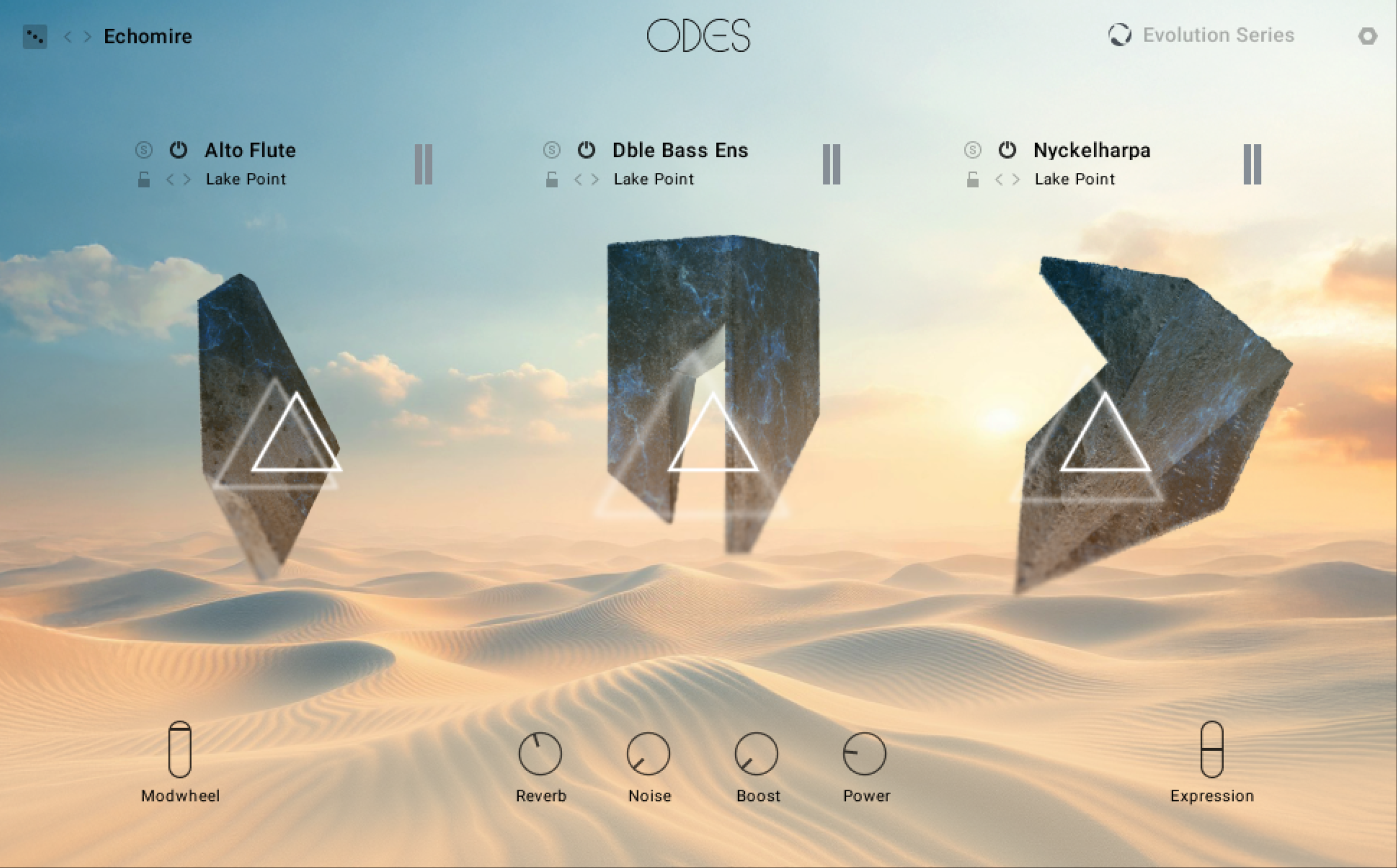
Score dynamic, shifting soundscapes that bring scenes to life with Odes. The third chapter in the tale, building on the legacy of Lores and Fables, Odes propels the plot with a unique library focused on rhythm. String and woodwind-based tempo-synced loops spring from the surface, filling the shimmering oasis. Kamanchehs skate across the sands. Alto flutes float by overhead. All brought in frame with smart tonal sculpting tools.
Tell stories that move with sounds that stretch across continents and centuries. Shape evolving, expressive textures with virtuosic articulations, and fine-tune the feeling of every scene with smart tonal sculpting tools. Guide the emotion of the moment with built-in mic mixing. Reflect real spaces with convolution reverb. Build atmosphere with screen-ready sounds, meticulously recorded with the expression only maestros can provide. Odes continues the narrative drive of the series while infusing fresh rhythm and movement.
This guide shows you how to install and setup Odes, introduces key concepts and controls, and describes all features in detail, starting with the overview.
Thank you for choosing Odes. We hope you enjoy it!
Document conventions
In this document the following formatting is used to highlight useful information:
Italics | Indicates paths to locations on your hard disk or other storage devices. | |
Bold | Highlights important names, concepts, and software interface elements. | |
[Brackets] | References keys on the computer keyboard. | |
| Denotes a single step instruction. | |
| Denotes the expected result when following instructions. |


The following three icons denote special types of information:
Tip
The light bulb icon indicates a useful tip, suggestion, or interesting fact.
Notice
The information icon highlights essential information in a given context.
Caution
The warning icon alerts you of potential risks and serious issues.