Installation and setup
Learn how to install and setup the necessary software from Native Access to start making music with Spotlight Collection: Ireland. Follow these instructions to get started.
Before making music with Spotlight Collection: Ireland, you must install and set up the necessary software. Follow these instructions to get started.
Installing Spotlight Collection: Ireland using Native Access
Native Access is where you will install the software for Spotlight Collection: Ireland. If you are new to Native Instruments, you will first have to create your Native ID. To learn more about Native Access, visit our support page.
Download and install Native Access here.
Create a Native ID if you do not yet have one.
Login to Native Access using your Native ID.
Click the Available tab.
Click Install for the following products:
Spotlight Collection: Ireland
Kontakt or Kontakt Player
The software is installed automatically.
Note
If the software is already installed, click the Updates tab and install available updates before proceeding.
Loading Spotlight Collection: Ireland in Kontakt
Once installed, you can start using Spotlight Collection: Ireland in Kontakt. Spotlight Collection: Ireland is not an independent plug-in, so you first need to open an instance of Kontakt or Kontakt Player:
Open Kontakt as a plug-in in your host software (DAW) or as a stand-alone application.
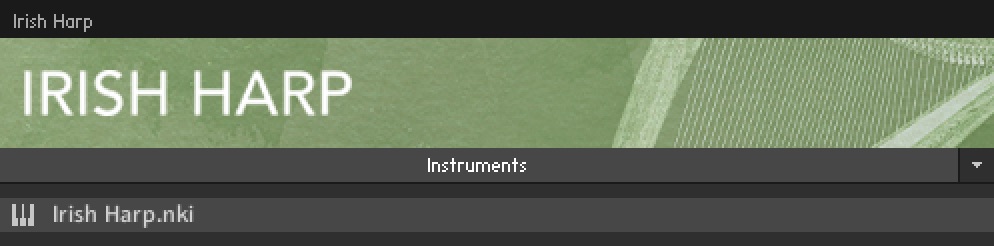
Locate Spotlight Collection: Ireland in the Browser, on the left side of the user interface.
Click Instruments to open the product's content.
Double-click the <instrument name>.nki file to load the instrument.
Tip
If you are new to Kontakt and want more information, visit Kontakt Player and Kontakt.