Settings page
The Settings page lets you adjust various global options affecting the sound and the behavior of Cremona Quartet Ensemble.
The Settings page lets you adjust various global options affecting the sound and the behavior of Cremona Quartet Ensemble.
Note
The settings for the auto divisi have their own dedicated page. Refer to Auto divisi settings.
To display the Settings page, do the following:
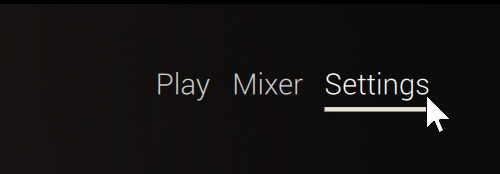
Click Settings at the top right of the instrument to display the Settings page.
The Settings page contains the following elements:
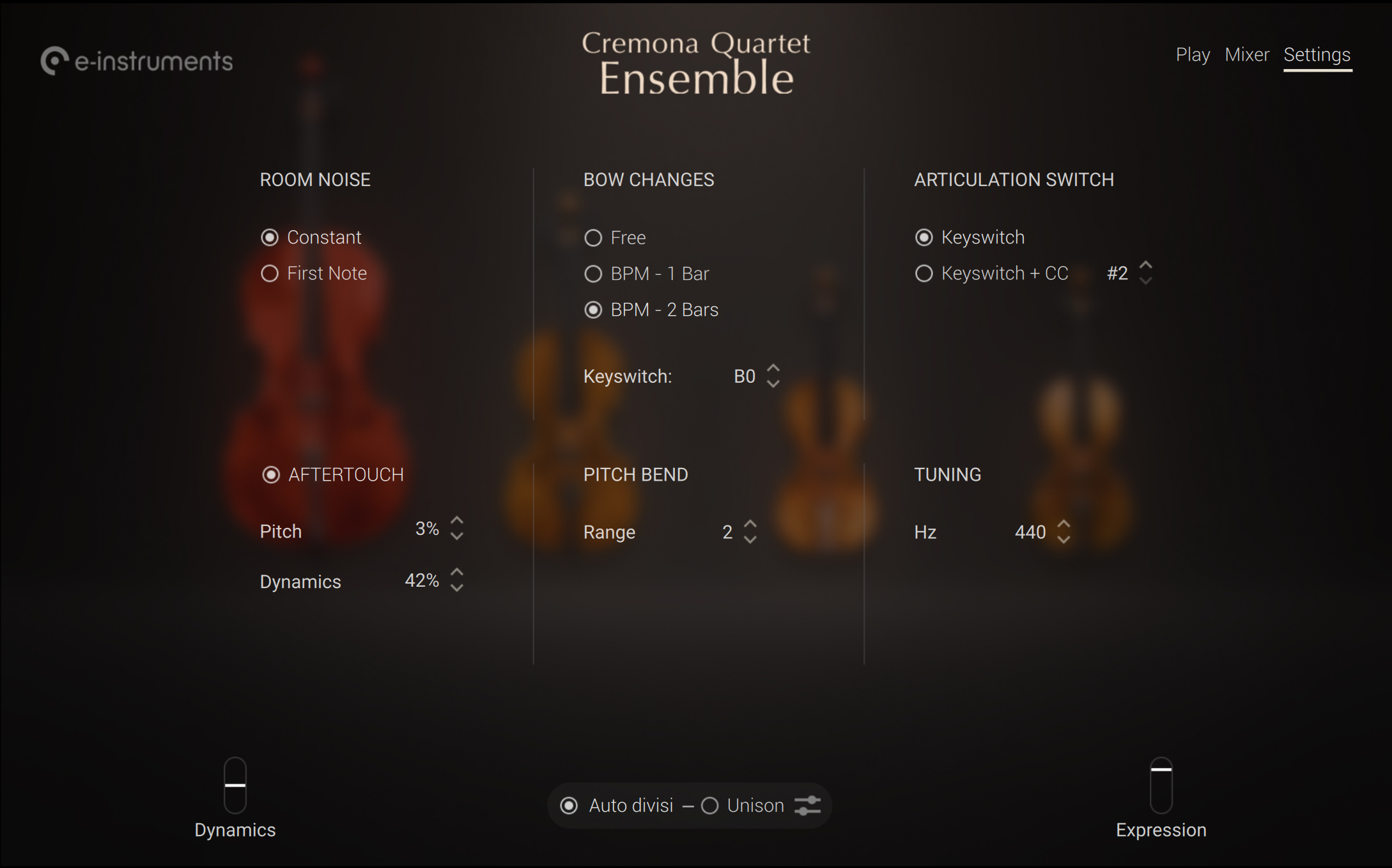
ROOM NOISE: Specifies whether the room noise should be played continuously (Constant) or only on the first note (First Note). For more information on adjusting the room noise level, refer to Mixer page.
BOW CHANGES: Adjusts when the bow changes should occur. If you select Free the bow changes will be automatically triggered at the end of the musician’s bow. If you select BPM - 1 Bar or BPM - 2 Bars the bow changes will be in sync with Kontakt’s tempo and occur every one or two bars, respectively. In any case, you can also trigger bow changes manually using a keyswitch, which you can choose with the Keyswitch parameter below. This keyswitch is indicated by the yellow key on Kontakt’s on-screen keyboard and on your Kontrol S-Series keyboard.
ARTICULATION SWITCH: Chooses the action(s) used for switching articulations. If you select Keyswitch (default setting), only the defined keyswitches will select the articulations. If you select Keyswitch + CC, you can also switch between articulations by using MIDI Control Change messages. The “#” field on the right lets you select the desired controller number: You can click the up/down arrows to select the next/previous CC number, or click the value and drag your mouse vertically to adjust the CC number in greater jumps.
AFTERTOUCH: Let you control the ensemble’s sound using MIDI aftertouch messages, if these are available on your MIDI keyboard. The aftertouch is the amount of pressure that you apply to the keys while you are holding them depressed. Cremona Quartet Ensemble supports polyphonic aftertouch (MIDI Key Pressure messages), which means that it can react to pressure changes on each individual key. You can use the Pitch and Dynamics parameters to adjust how much the key pressure will affect the note’s pitch and volume, respectively. For either parameter you can click the up/down arrows to select the next/previous value, or click the value and drag your mouse vertically to adjust the value in greater jumps.
PITCH BEND: The Range field selects the pitch range available on the Pitchbend wheel, in semitones. You can click the up/down arrows to select the next/previous value, or click the value and drag your mouse vertically to adjust the pitch range in greater jumps.
TUNING: The Hz field adjusts the instrument’s basic pitch, in Hertz. You can click the up/down arrows to select the next/previous value, or click the value and drag your mouse vertically to adjust the tuning in greater jumps.