Welcome to Erosia
Welcome to the Erosia online manual. Learn how to use all features in detail and create your own sounds.
Erosia is a cinematic sound design engine that listens closer than the ear can. Each texture begins with the smallest detail: a bow drawn across glass, a hinge under strain, ice cracking across metal. Captured up close, these fragile moments expand into vast cinematic landscapes. Friction becomes motion, decay becomes beauty, and the overlooked becomes a powerful storytelling tool for composition and sound design.
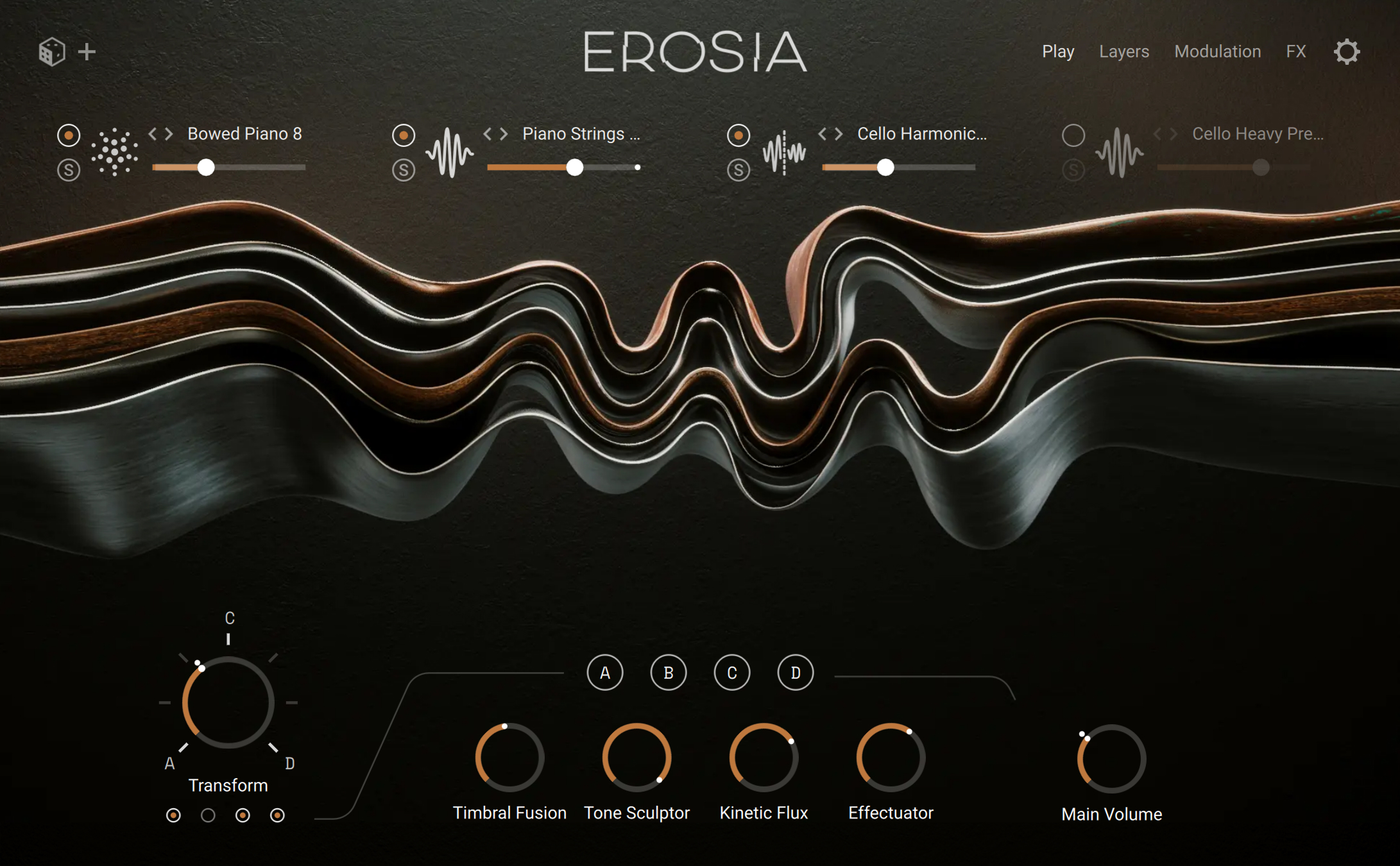
Four layers form Erosia’s core: a Grain layer that fractures and animates textures, plus three interchangeable Sampler or Wavetable layers. Together, they create instruments that feel alive, organic, and unpredictable. Streamlined Play and FX pages let you shape sound quickly and intuitively, while the Transform control evolves timbres, moving seamlessly between tension, release, and decay.
This document shows you how to install and setup Erosia and describes all features in detail, starting with the overview.
We hope you enjoy Erosia!
Document conventions
In this document the following formatting is used to highlight useful information:
Italics | Indicates paths to locations on your hard disk or other storage devices. | |
Bold | Highlights important names, concepts, and software interface elements. | |
[Brackets] | References keys on the computer keyboard. | |
| Denotes a single step instruction. | |
| Denotes the expected result when following instructions. |


The following three icons denote special types of information:
Tip
The light bulb icon indicates a useful tip, suggestion, or interesting fact.
Notice
The information icon highlights essential information in a given context.
Caution
The warning icon alerts you of potential risks and serious issues.